
A bold first line or a few italic words can make a caption stand out without making it harder to read. Our stylish text generator turns your captions, posts and messages into bold, italic, small caps and other readable styles.
Longer text needs a lighter touch than a name does. We put the most readable styles first here, and we show how to style a caption or post without making it hard to read.
What a Stylish Text Generator Is
A stylish text generator turns plain text into Unicode characters that look like a different font. “Type your text here” becomes 𝐓𝐲𝐩𝐞 𝐲𝐨𝐮𝐫 𝐭𝐞𝐱𝐭 𝐡𝐞𝐫𝐞 in bold or ᴛʏᴘᴇ ʏᴏᴜʀ ᴛᴇxᴛ ʜᴇʀᴇ in small caps.
The style stays with the text when you paste it. That works in apps with no formatting buttons, like Instagram captions, TikTok bios and WhatsApp messages.
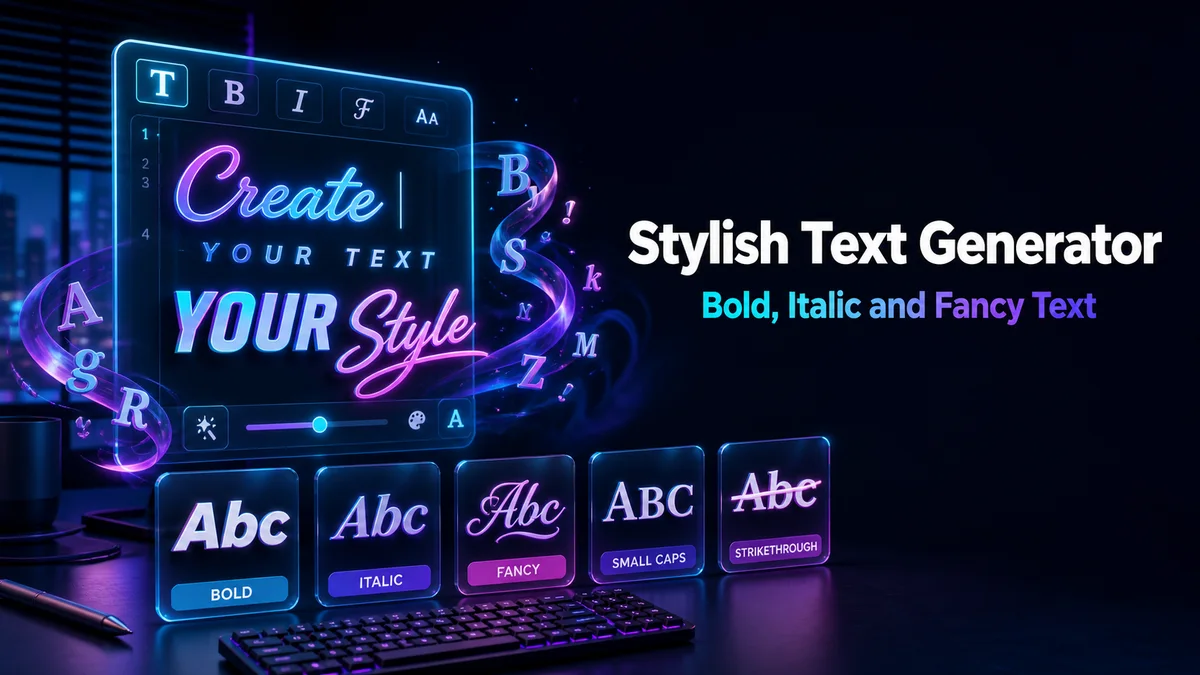
The Styles That Work for Longer Lines
Some styles stay readable over a full sentence, while others only work on a word or two. Here is how we sort them.
Bold and Sans Bold
Bold letters are the easiest way to make a line stand out. Sans Bold looks cleaner on phones and fits most social apps.
Italic and Sans Italic
Italic letters add a softer emphasis, like a quote or a thought. They work well for a short line inside a plain caption.
Small Caps
Small caps looks neat and stays readable over a full line. It carries a Widest device support note, because it shows on almost every phone.
Wide and Spaced Text
Wide (Vaporwave) and Spaced Out spread the letters apart. They look great on a short heading, but they take up a lot of room in a long line.
Underline and Strikethrough
Underline and Strikethrough add a line to every letter. They are fun for one or two words, though each one adds a mark per letter.
Styling a Caption or Post
Here is how we style a caption without making it hard to read:
- Write the Caption First: Write your full caption in plain text, in your notes or in the app.
- Pick One Line to Style: Choose the first line, a heading or a few key words.
- Style That Part: Type it in the Your text box, tap Letter styles, and copy bold, italic or small caps.
- Paste It Into the Caption: Replace the plain line with the styled one.
- Check Before Posting: Look at the caption in the app’s preview to see how it wraps on a small screen.
Why Should You Not Style a Whole Paragraph?
A paragraph of styled text is tiring to read, especially on a small screen. Readers often skip it, which defeats the point of styling it.
It also causes technical problems. Styled letters can count as two characters, which eats into caption limits, and screen readers may read each styled letter by a long name.
Search is the last reason. Hashtags and search tools match plain letters, and a fully styled post is harder for people to find.
Where Does Stylish Text Work Best?
Stylish text shines in captions, post headings, bios, comments and chat messages. A styled first line or a styled label is the most useful way to use it.
This page opens with Social styles, which include hearts, stars, music notes and soft frames. They suit social posts, and every other style is still there under All styles.
Stylish Text Cannot Be Translated
Translate buttons on Instagram, Facebook and X only read plain letters. When a caption is written in stylish text, followers who speak another language cannot translate it.
That is one more reason to style only a line or two. The plain part of your post stays readable, searchable and translatable for everyone.
Where Should You Go Next?
For names and short profile text, the full Stylish Font Generator has every style in one place. Gamers can try the Fancy Gaming Name Generator, and if you need ideas for the name itself, our sister site’s nickname generator can help first.