
A clan tag gets only two to five letters to make your squad look like a team. Our fancy game tags generator is made for those short clan tags, crew tags and squad tags, with frames and bold letters that stay readable on a scoreboard.
Short tags behave differently from full names. We cover which styles look strong on just a few letters, how to keep a squad’s tags matching, and what to do when the game’s tag field refuses fancy text.
What a Fancy Game Tags Generator Is
A fancy game tags generator styles a short tag with Unicode letters and frames. “RVN” becomes 𝐑𝐕𝐍 in bold, ʀᴠɴ in small caps and ⚔RVN⚔ with blades.
Because tags are so short, even a heavy style stays readable. That makes tags the best place to try bold, squared and circled letters.
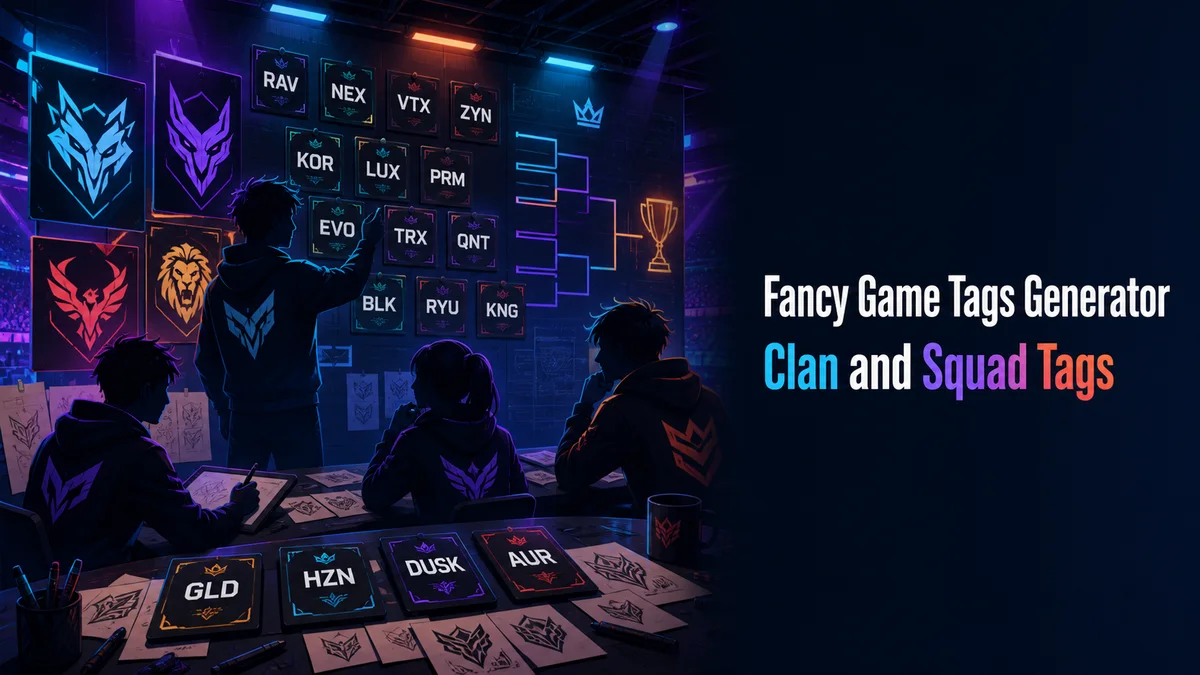
Making a Fancy Clan Tag
Making a clan tag takes only a few taps:
- Type Your Tag: Enter two to five letters in the Your text box, like your clan’s initials.
- Open Gaming Styles: Tap Gaming styles to see blades, skulls, shields and clan marks around your tag.
- Check Letter Styles: Tap Letter styles to see the tag in bold, squared, circled or outline letters.
- Copy the Final Tag: Tap Copy on the one your squad agrees on.
- Share It With Your Squad: Paste the exact tag into your squad chat, so everyone copies the same characters.
The Styles That Look Best on Short Tags
Short tags can handle styles that would be too heavy on a long name. Here are our favorites.
Squared and Circled Letters
Squared, Squared Filled and Circled Filled letters look like badges, and they come out in capitals. They make a three letter tag look like a team logo.
Bold and Outline
Bold and Outline letters stay clear even in a small scoreboard. They are a safe pick when you want the tag to read quickly.
Frames
Frames like [RVN], ⚔RVN⚔ or ☠RVN☠ add a border that marks the tag as a group name. They also leave your letters plain, which helps in games that refuse fancy letters.
Why Regional Flag Blocks Can Turn Into Flags
The Regional Flag Blocks style looks great on letters, but two of these blocks next to each other can turn into a country flag. A tag like “US” or “IN” becomes a flag emoji on most phones instead of two letters.
If your tag contains a pair that matches a country code, use a different style. It is an easy mistake to miss until a teammate sees a flag where your tag should be.
Do Clan Tag Fields Accept Fancy Text?
Many clan tag fields are strict. In games like GTA Online, the crew tag holds up to four characters of plain letters and numbers, and fancy letters are refused.
Mobile battle royale games are usually more relaxed with player names than with clan tags. We suggest testing the tag in the game’s field before your whole squad updates their names.
When the game refuses the fancy version, keep the plain tag in the game. Then use the fancy version on your Discord server, YouTube channel and team posts.
How Do You Keep a Squad’s Tags Matching?
Matching tags make a squad look organized in the lobby. The easiest way to keep them matching is to share one copied tag, instead of letting everyone build it again.
Different styles can look alike, like Bold and Sans Bold. If one teammate picks the wrong one, the tags will look slightly different, which is why one shared copy works best.
What Should Your Squad Do Next?
Try squared or bold letters inside a simple frame, and test it in your game first. For full squad names with matching symbols, our Fancy Games Username Generator shows which games accept them.
Related tools: Fancy Games Username Generator , Fancy Text Symbols Generator and Stylish Name Maker .
More tools like this one: Stylish Names and Bios.