
Hearts, stars, crowns, arrows and music notes can dress up a word without changing a single letter. Our fancy text symbols generator wraps your text in these symbols and many more, ready to copy with one tap.
Symbols are the gentlest way to dress up text, because your letters stay normal. We explain which symbols work everywhere, and why a few of them sometimes turn into colorful emoji.
What a Fancy Text Symbols Generator Is
A fancy text symbols generator places Unicode symbols before and after your words. “symbols” becomes ♡symbols♡ with hearts, ★symbols★ with stars and ⚔symbols⚔ with blades.
The letters in the middle stay plain. That means people can still read, search and type your words, which makes frames a safe choice in many places.
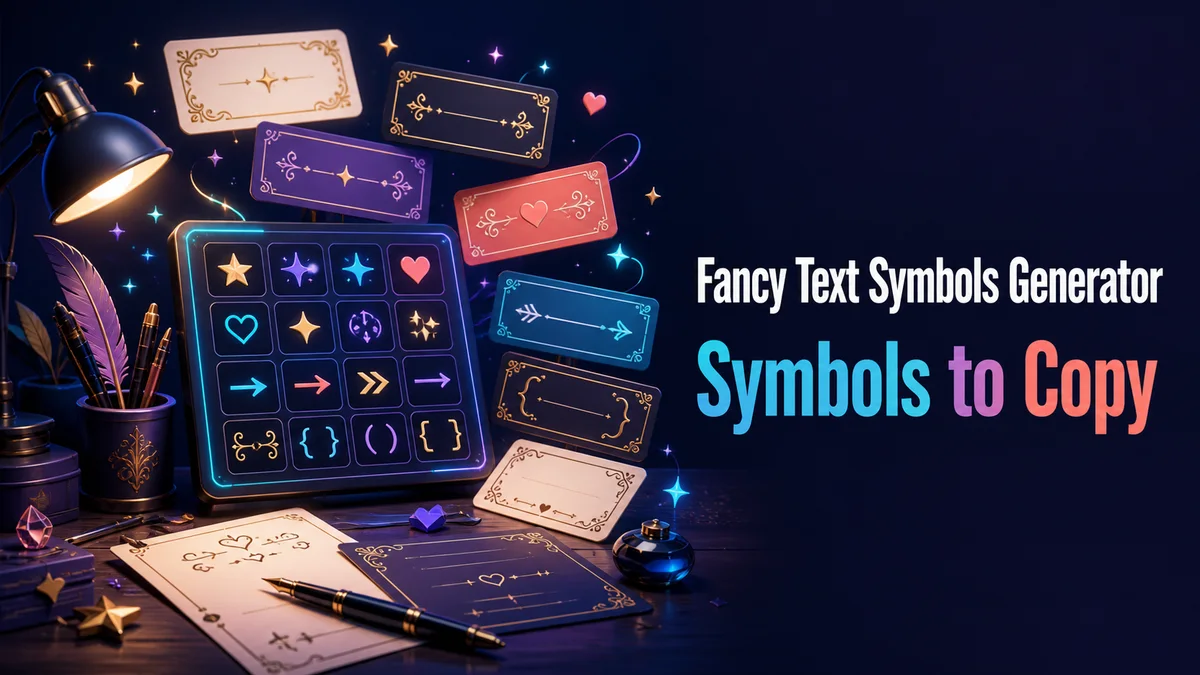
Which Symbol Frames Can You Use?
The Symbol frames and Featured styles groups hold dozens of frames between them. Here are the families we use most.
Hearts and Stars
Hearts, Solid Hearts, Stars and Open Stars are the classic frames. They fit almost any bio, name or caption.
Arrows, Brackets and Lines
Angle Brackets, Square Brackets, Right Arrow and Double Bars look clean and simple. They work well for labels and professional text.
Nature and Cute Symbols
Small Flower, Mini Butterflies and Heart Waves give text a soft, cute look. They suit aesthetic bios and friendly posts.
Music and Check Marks
Music Notes fit playlists and music accounts, while Check Marks fit lists and updates. Both add meaning, not just decoration.
Blocks and Tech Symbols
Full Blocks, Pixel Dots, Braces and Signal Bars look blocky or techy. They fit gaming, coding and retro themes.
Adding Symbols to Your Text
Adding a symbol frame takes a few taps:
- Type Your Words: Enter your text in the Your text box.
- Open Symbol Frames: Tap Symbol frames to see only frames, with your letters left plain.
- Find a Theme: Type a word like “heart,” “star” or “music” into Filter styles… to narrow the list.
- Copy the Frame: Tap Copy on the one you like and paste it where you need it.
Why Do Some Symbols Turn Into Emoji?
A few symbols have two versions in Unicode, a plain text version and a colorful emoji version. The solid heart ❤ is the best known, and many phones show it as a red emoji heart.
This is normal, and it depends on the phone and app showing the text. If you want a plain black or white heart, use the outline heart ♡, which almost always stays as a text symbol.
Where Symbol Frames Work Best
Frames work well in display names, bios, captions, chat messages and video titles. Since your letters stay plain, search and screen readers still read your words.
They usually do not work in usernames, handles and game IDs. Those fields often allow only plain letters, numbers and a few symbols like underscores or periods.
How Do You Mix Symbols With Fancy Letters?
The Combinations group puts a symbol frame together with a styled alphabet. For example, you can get bold letters inside stars or script letters inside hearts.
We keep combinations for short words. A full sentence with both fancy letters and frames gets hard to read, while a single name or label looks great.
Symbols That Can Look Like Official Badges
A few frames, like Verified Pro Badge and Official Prefix, add check marks or labels that look like official badges. They are fun as a joke, but using them to look verified can break a platform’s rules on pretending to be someone else.
We keep these frames for clear jokes and private chats. On a public profile, a heart, star or simple bracket gets attention without any risk.
Which Symbols Are the Safest Place to Start?
Try outline hearts or stars first, since they work almost everywhere and never turn into emoji by surprise. For full alphabets of fancy letters, our Fancy Letter Generator shows every style from A to Z.
Related tools: Fancy Game Tags Generator , Fancy Letter Generator and Fancy Name Generator .
More tools like this one: Stylish Names and Bios.