
A painting, a sketch or a handmade product deserves a caption that feels just as crafted. Our artistic font generator gives your words calligraphy script, gothic letters, sparkles, flowers and soft frames that you can paste into any caption or bio.
Artists often ask whether these styles can replace real fonts in a design app, and the honest answer is no. We explain where artistic Unicode text shines, and where a real font will do a better job.
What an Artistic Font Generator Is
An artistic font generator turns plain text into decorative Unicode characters. “art studio” becomes 𝒶𝓇𝓉 𝓈𝓉𝓊𝒹𝒾ℴ in script, 𝔞𝔯𝔱 𝔰𝔱𝔲𝔡𝔦𝔬 in gothic and ❁art studio❁ with a flower frame.
These styles are text, not images. You can paste them into a caption, a bio or a portfolio title, and they keep their look on any device that has the characters.
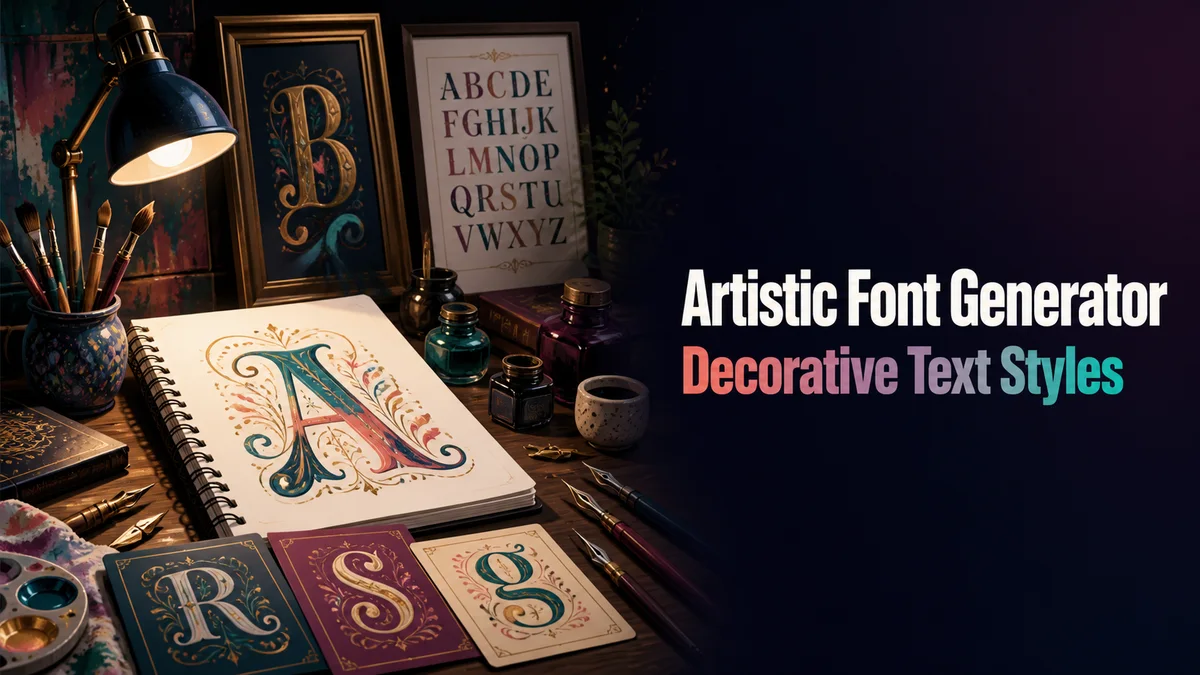
The Artistic Styles You Can Make
These are the styles we reach for when a piece of text needs an artistic touch.
Calligraphy Script
Script and Bold Script look like flowing handwriting. Bold script is thicker and easier to read, which makes it better for titles and names.
Gothic Lettering
Gothic and Bold Gothic look like old blackletter calligraphy. They suit fantasy art, tattoo design ideas and dramatic poster titles.
Soft Cursive
Soft Cursive mixes curvy letters for a lighter, playful look. It fits illustration accounts, craft shops and cute art.
Sparkle and Floral Frames
Frames from the Aesthetic styles group, like sparkles, moons, vines and tulips, add decoration around plain letters. They are a gentle way to dress up a caption without hiding the words.
Making an Artistic Caption
Here is how we style a caption for an art post:
- Type the Title of Your Piece: Enter the name of your artwork or a short phrase in the Your text box.
- Open Aesthetic Styles: Tap Aesthetic styles to see frames and combinations made for artistic posts.
- Compare Script and Gothic: Tap Letter styles and look at script, bold script and gothic side by side.
- Copy and Post: Tap Copy on your favorite, paste it as the first line of your caption, and write the rest in plain text.
Should You Use These Fonts in Design Apps?
Design apps like Canva, Photoshop and Procreate already have real fonts. Real fonts give you control over size, spacing and weight, and they print cleanly, which Unicode styles cannot match.
Artistic Unicode text is best for places that have no font menu. That includes social media captions, bios, portfolio site titles, comments and messages.
There is one handy use in design work, though. You can paste a styled word into a quick mockup to test an idea, and then rebuild it with a real font for the final piece.
Why Bold Script Looks More Even Than Script
Plain Script borrows a few letters, like ℯ, ℴ and ℬ, from an older Unicode group. Those borrowed letters can look a little thinner or larger than the rest, which makes some words look uneven.
Bold Script has every letter in one group, so all of them are drawn to match. For artwork titles, signatures and anything people will look at closely, we reach for Bold Script first.
How Do You Keep Artistic Text Readable?
Artistic styles look best on a few words. A styled title with a plain description under it is easy to read, while a fully styled caption tires the eye.
Keep your art details plain too, like the medium, size, price and how to buy. Buyers need to read and copy those, and screen readers need plain letters to read them aloud.
What Should You Use for Your Next Art Post?
Try bold script for artwork titles and a floral or sparkle frame for captions. For logo ideas and wordmark mockups, our Fancy Fonts for Logo page shows how to test styles before you pick a real font.
Related tools: Aesthetic Fonts Generator , Fancy Fonts for Logo and Fancy Font Generator .
More tools like this one: Fancy Text Tools.