
Every fancy font you see online is really a set of Unicode characters, and knowing which ones helps you avoid broken text. Our Unicode fonts generator shows how your plain text turns into bold, script, outline, fullwidth and circled characters.
Most font pages stop at the copy button. We go a step further and explain where these characters come from, which helps you understand why they sometimes count double, break in search or show as boxes.
What Unicode Fonts Are
Unicode fonts are not fonts at all. They are characters inside the Unicode standard, the system every modern device uses to store text, that happen to look like styled letters.
For example, “Unicode 123” in bold becomes 𝐔𝐧𝐢𝐜𝐨𝐝𝐞 𝟏𝟐𝟑. Each of those bold letters is its own character with its own code, just like a normal letter or an emoji.
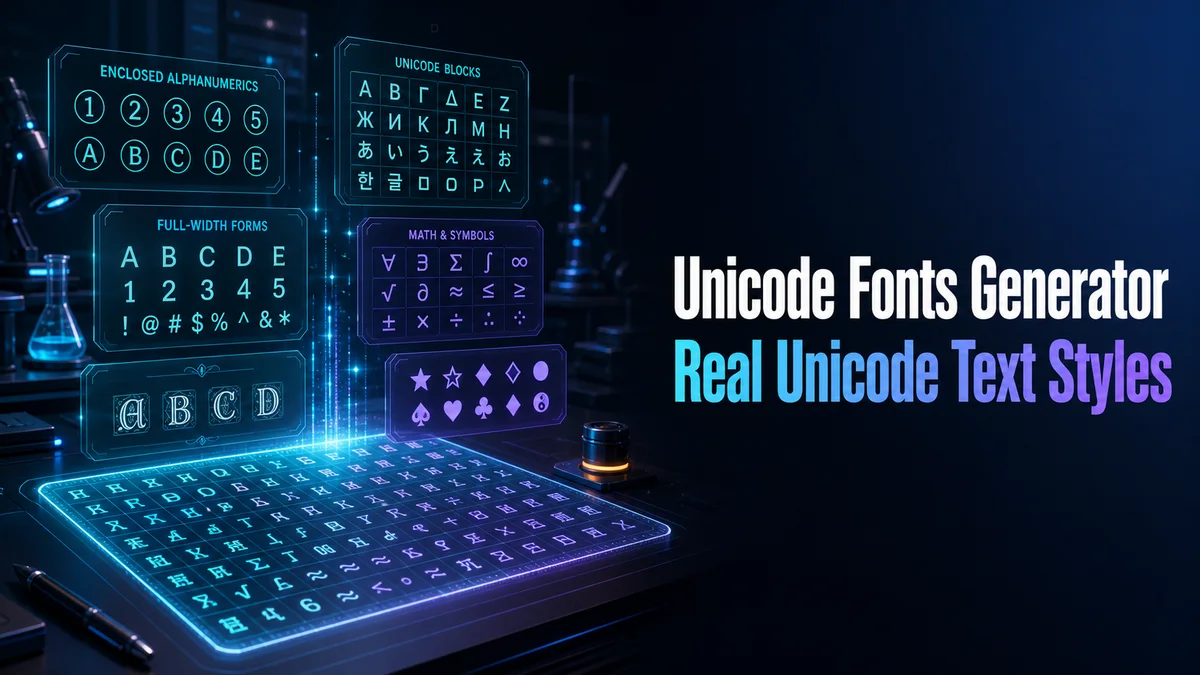
Where These Styled Characters Come From
Unicode groups characters into blocks, and a few of those blocks give us most of the styles on this page.
Mathematical Alphanumeric Symbols
This block holds bold, italic, script, gothic, outline, sans serif and monospace letters and digits. Mathematicians use them to tell different kinds of variables apart, and they are the source of most fancy fonts you see online.
Letterlike Symbols
A few letters in that math block were added earlier in another place. Script ℯ, ℊ and ℴ, and gothic ℭ, live in the Letterlike Symbols block, which is why they can look a little different from their neighbors.
Enclosed Alphanumerics
This block holds circled letters like ⓤⓝⓘ and circled numbers. A related block holds the squared letters and the regional indicator letters behind the Regional Flag Blocks style.
Halfwidth and Fullwidth Forms
Fullwidth letters were made for East Asian text, where each character fills a square space. They give us the Wide (Vaporwave) style, like Unicode.
Combining Marks
Combining marks are tiny marks that attach to the letter before them. Strikethrough, underline and the marks above and below letters all come from this group.
Using the Unicode Fonts Generator
The tool works the same way for every style:
- Type Your Text: Enter up to 120 characters in the Your text box.
- Pick a Group: Tap Letter styles to see the alphabets from the blocks above, or Tech styles for brackets, braces and code-style frames.
- Copy a Result: Tap Copy on any card, and the exact characters go to your clipboard.
- Paste Anywhere: Paste the result into the app, page or document where you need it.
Why Do Unicode Fonts Count as More Characters?
Most of the math letters sit beyond the first 65,536 Unicode characters. Many apps and websites store text in a way that needs two units for each of those characters, which means one bold letter can count as two.
In practice, a four letter name like “Alex” in bold can count as eight characters in a field with a limit. Combining marks add even more, because each mark counts as its own character on top of the letter.
Do Unicode Fonts Work With Search and Screen Readers?
Search engines like Google often convert these characters back to plain letters before matching. But app searches, site searches and hashtags usually do not, and a styled word may not match what people type.
Screen readers are less forgiving. Many read styled letters by their full Unicode name, like “mathematical bold capital U,” which makes a styled sentence very hard to follow.
What Unicode Normalization Does to Styled Text
Unicode has a process called normalization, which turns lookalike characters back into their basic form. Under the form called NFKC, a bold 𝐔 becomes a plain U, and a fullwidth U becomes a plain U too.
Search engines use processes like this, which is why Google can often match styled words. Some apps also normalize usernames behind the scenes, which is one reason a styled username is refused or saved as plain letters.
Normalization also explains why you cannot use styled letters to make a name look unique. Many systems treat 𝐀𝐥𝐞𝐱 and Alex as the same name once they are normalized.
Which Unicode Style Is the Safest Choice?
For widest support, use small caps or bold, and keep important words plain for search and screen readers. To turn a whole line into another style in one go, our Fonts Converter walks through how the conversion works letter by letter.
Related tools: Fancy Letter Generator , Font Copy Paste and Fonts Converter .
More tools like this one: Fancy Text Tools.