
Instagram has no font menu for your bio, your name or your captions, which is why so many profiles paste styled text instead. These fonts for Instagram give you hundreds of those styles, and you do not need to install a single app.
Instagram gives you no font menu for your profile, which is why so many people paste styled text in instead. We built this page around what Instagram really accepts, because a style that looks great here can still be refused in the wrong field.
How Instagram Fonts Work
Fonts for Instagram are Unicode characters, such as mathematical bold letters and circled letters, that look like a different typeface but still travel as normal text. They are not real font files.
You copy them from this page and paste them into Instagram, and your followers see the same shapes on their own phones.
Because the style lives inside the characters, there is no setting to turn on. The one catch is that every phone draws these characters with its own system font, and a rare style can look a little different on an older Android phone.
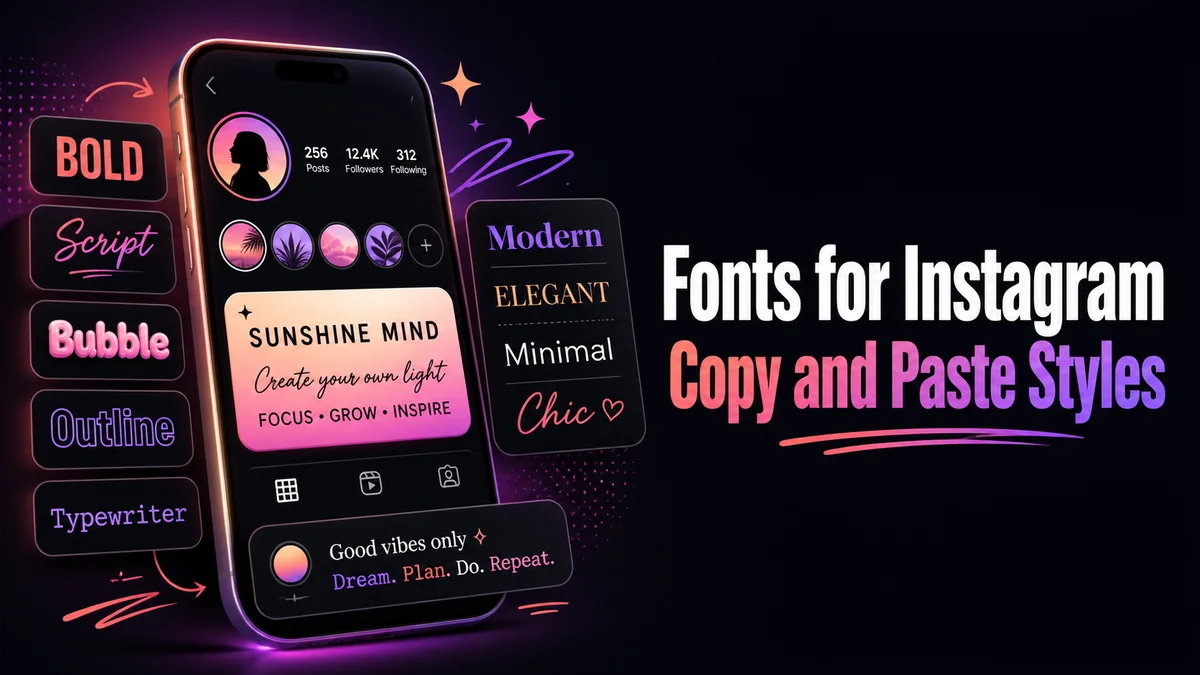
Where Styled Fonts Work on Instagram
Instagram treats each part of your profile in its own way, and this is where most people get stuck. We tested the main spots, and here is how each one behaves.
Your Bio
The bio holds 150 characters and accepts almost every style on this page. Some styled letters take up more room in the counter than they seem to, and if Instagram stops you early, switching one styled word back to plain letters usually fixes it.
Your Name Field
The name field above your bio also takes styled text, and it shows at the top of your profile and in search results.
Instagram only lets you change your name twice within 14 days, which is a good reason to test a style in your bio first.
Search is the other thing to think about here. People type your name in normal letters, and a name where every letter is styled may not match what they type.
Your Username
Your username is the one place styled text never works. Instagram only allows letters, numbers, periods and underscores in a username, and a bold or script handle is simply rejected.
Captions, Comments and Notes
Captions, comments and Notes all accept styled text, and captions give you plenty of room to play with. Keep your hashtags in plain letters, though, because a styled hashtag does not link to the tag page at all.
How Do You Add a Styled Font to Your Instagram Bio?
The whole change takes less than a minute on your phone. Here is the order we use:
- Type Your Line: Replace the sample words in the Your text box with the line you want, written exactly as you plan to post it.
- Pick a Style Group: Tap Aesthetic styles to see the soft frames first, or tap Letter styles when you want bold, script or small caps.
- Copy the Card You Like: Tap Copy under that card, and a small “Copied to clipboard” message tells you it worked.
- Open Your Profile Editor: In Instagram, go to your profile, tap Edit profile, and then tap the Bio field.
- Paste and Save: Paste the text, look at how it sits beside your photo, and save the change before you leave the screen.
The Easiest Instagram Styles to Read
Small caps and bold are the safest picks for anything people need to read quickly. They show up on almost every phone, and they still look like normal words at a glance, like ᴍʏ ʙɪᴏ or 𝐦𝐲 𝐛𝐢𝐨.
Script and gothic look striking, but they work best on one or two words. We like using them for a single opening word and leaving the rest of the bio plain, which keeps the profile easy to scan.
The aesthetic frames, such as ✧・゚my bio・゚✧ and ☽my bio☾, leave your letters normal and only add symbols around them. That makes them a strong choice for your name field, where you still want the word itself to be clear.
Your Styled Name Also Shows on Threads
Threads builds your profile from your Instagram account. When you set up Threads, it can bring over your name and bio, which means a styled Instagram name usually appears on Threads too.
That is handy if you want one look across both apps. If you would rather keep Threads plain, you can edit the name and bio there separately after the import.
How Do You Keep a Styled Profile Looking Clean?
We follow one simple rule on our own profiles: one styled element per area. A styled name with a plain bio, or a plain name with one styled bio line, always looks more polished than styling everything at once.
The heart button on each card saves a style to your Saved list on this device. When you come back to update your profile, the styles you liked are waiting there, ready to copy again.
Where Your Styled Name Shows Up and Where It Does Not
Many people style their name and then wonder why nobody sees it in the comments. Instagram shows your username next to comments and likes, and your name field mostly appears on your profile, in search results and at the top of chats.
That changes where your style does the most work. If you want people to notice it in busy comment threads, a styled bio line or a short styled sign-off in your captions will be seen far more often than a styled name.
Styled Text in Stories, Reels and Highlights
Reels captions work just like post captions, so the same styled first line trick applies there. Story text and Highlight titles also accept pasted styled text, though Highlight titles are short and get cut off quickly under the circle.
We keep Highlight titles to one short styled word, like a category name. Longer titles are hard to read at that size, and the cover image does most of the work anyway.
Should a Business Account Use Fancy Fonts?
Business and creator accounts can use styled text, but they have more to lose if it goes wrong. Contact buttons, categories and links are set by Instagram and stay plain, which is good, because customers need to read and tap them.
For a brand, we suggest one styled element that matches your logo style, like a bold or small caps tagline. A fully styled profile can look less trustworthy to a new customer who is deciding whether to buy.
What Is the Best First Change for Your Profile?
If you want one change that works everywhere, put a bold or small caps opening word in your bio. For a softer look, try an aesthetic frame around your name.
When you need fresh bio ideas, our Cool Instagram Bio Maker is made for exactly that.
Related tools: IG Fonts Generator , Cool Instagram Bio Maker and Fancy Bio Generator .
More tools like this one: Social Media Fonts.