
Tumblr has always been home to soft, aesthetic blogs, and the right text style is a big part of that look. These fonts for Tumblr give you sparkle frames, script letters and wide vaporwave text for your blog title, description and posts.
Tumblr is also built on tags and reblogs, and both care about plain text. We put this guide together so your blog looks the way you want while your posts still turn up in tag searches.
How Fonts for Tumblr Work
Fonts for Tumblr are Unicode characters that look like a different alphabet, such as 𝓈ℴ𝒻𝓉 𝒷𝓁ℴℊ in script or soft blog in the wide style. Tumblr saves them as text, and they stay in place when someone reblogs your post.
This is different from your blog theme. Your theme controls the main font for the whole blog, while styled text changes only the words you paste.
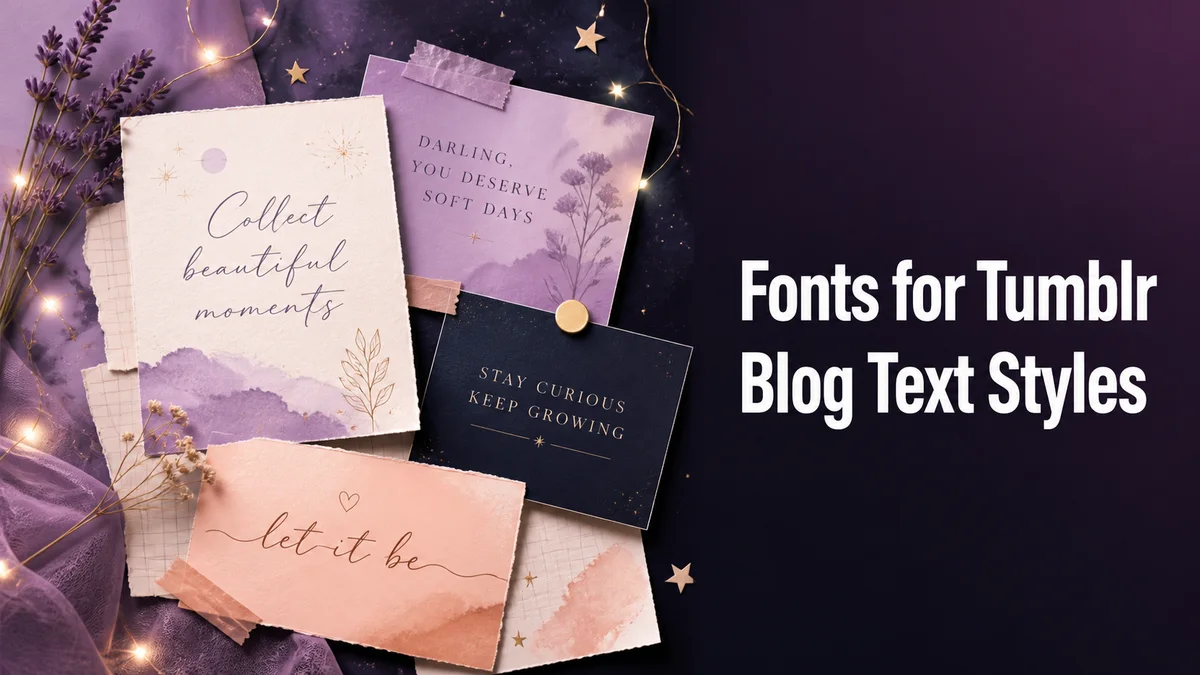
Where Styled Fonts Work on Tumblr
Tumblr gives you more places to play with text than most sites. Here is how each one works with the styles on this page.
Blog Title
The blog title is the first thing visitors see, and it accepts nearly every style here. A soft frame like ✧・゚soft blog・゚✧ keeps the title readable and adds the aesthetic touch in one go.
Blog Description
The description sits under your title and works well with one styled line. We like a styled phrase on top and a plain sentence below it that says what you post about.
Posts and Asks
Text posts, captions and asks all accept styled text. Tumblr’s editor also has its own text options, like Quirky and Chat, and styled Unicode works inside those too.
Tags
Tags are the one place to stay plain. A styled tag does not match the tag people search for, which means your post will not show up under it.
How Do You Add a Styled Title to Your Tumblr Blog?
These steps work on the Tumblr website and in the app:
- Type Your Blog Title: Enter the title in the Your text box exactly as you want it, including spaces.
- Look at Aesthetic Styles: Tap Aesthetic styles to bring the soft frames, sparkles and ribbons to the top of the list.
- Copy Your Favorite: Tap Copy under the card you like, and keep the heart on it if you want it in your Saved list.
- Open Your Blog Settings: In Tumblr, open your blog, then tap Edit appearance to reach the title and description fields.
- Paste and Save: Paste the styled title, check how it looks in the preview, and save your changes.
Which Tumblr Font Styles Look the Most Aesthetic?
Soft cursive, small caps and the Wide (Vaporwave) style are the classic Tumblr picks. They look calm and spaced out, which suits mood boards, poetry and art blogs.
Frames are the other half of the look. Moons like ☽soft blog☾, flowers like ❁soft blog❁ and star lines add a little decoration while every letter stays as you typed it.
We suggest picking one style for your title and one for post headings, then sticking with them. A blog where every post uses a different font starts to feel messy instead of aesthetic.
Styled Text Versus Custom Theme Fonts
Tumblr lets you edit your blog theme, and many themes let you pick a different font for the whole blog. A theme font changes how every post looks on your blog page, while styled text changes only the words you paste.
The two work well together. A soft theme font for your posts, plus a styled title in sparkles or script, gives your blog a full aesthetic look without styling every paragraph.
Keep in mind that theme fonts only show on your blog page. On the dashboard and in reblogs, Tumblr uses its own font, which is why styled text is the part that travels with your posts.
Keeping Tumblr Posts Easy to Find
Style your headings and keep your tags and key words plain. Tumblr search and tags both read plain letters, and that is how new people find your posts.
Screen readers matter here too, because many Tumblr users rely on them. A short styled title followed by plain text means everyone can enjoy the post.
How Should You Style Your Tumblr Blog?
Start with a soft frame around your blog title and a small caps heading for your posts. If you want even more soft styles, our Aesthetic Fonts Generator leads with them.
Related tools: Aesthetic Fonts Generator , Fancy Bio Generator and Artistic Font Generator .
More tools like this one: Social Media Fonts.